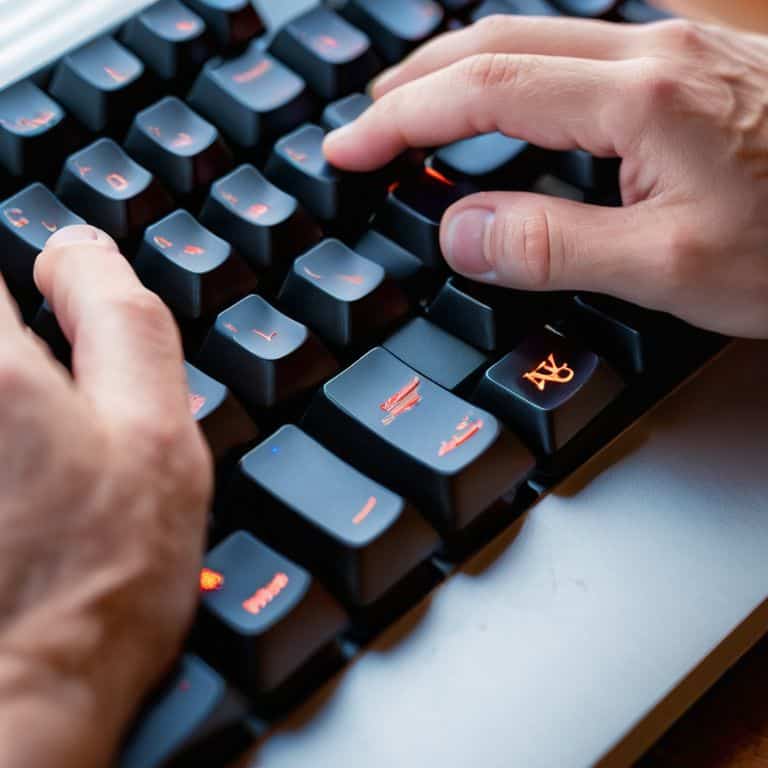
As I sat amidst the musty scent of old books and the gentle hum of my vintage typewriter, I couldn’t help but ponder the world of mechanical keyboards, a realm often shrouded in mystery and misconceptions. The notion that a guide to mechanical keyboards is solely the domain of gamers and tech enthusiasts is a common myth that has long frustrated me. In reality, the allure of these keyboards lies not just in their functionality, but in the tactile experience they offer, a sensory delight that can elevate the simple act of typing into an art form. My journey into the world of mechanical keyboards began with a quest for the perfect tool to accompany my trusty typewriter, and it’s a path I’m eager to share with those seeking a more authentic typing experience.
In this practical guide, I promise to cut through the jargon and hype, offering honest advice on how to navigate the complex world of mechanical keyboards. Whether you’re a writer, like myself, or simply someone who appreciates the beauty of well-crafted machinery, this article will provide you with the insights needed to make an informed decision. From understanding the different types of switches to finding the perfect keyboard that suits your needs, I’ll share my personal experiences and discoveries, all in the spirit of uncovering the simple joys of mechanical keyboards. By the end of this guide, you’ll be well on your way to finding your perfect typing companion, and perhaps, like me, you’ll discover a new appreciation for the art of typing itself.
Table of Contents
Guide Overview: What You'll Need

Total Time: 2 hours 30 minutes
Estimated Cost: $100 – $300
Difficulty Level: Intermediate
Tools Required
- Soldering Iron (with a fine tip)
- Wire Cutters (for cutting wires to size)
- Pliers (for gripping small components)
- Utility Knife (for cutting cable ties)
- Multimeter (for testing electrical connections)
Supplies & Materials
- Mechanical Switches (e.g., Cherry MX Brown or Red)
- Keycaps (custom or standard)
- Keyboard PCB (e.g., a DIY keyboard kit or a custom-made board)
- Cable Ties (for managing wires)
- USB Cable (for connecting the keyboard to a computer)
- Stabilizers (for stabilizing long keys like the space bar)
- Switch Stabilizer Clips (for securing switches to the PCB)
- Electrical Wire (e.g., 22 AWG or 24 AWG, in various colors)
Step-by-Step Instructions
- 1. First, let’s start with the basics: understanding what makes a mechanical keyboard tick. It’s essential to know that these keyboards use physical switches under each key, which provide a more tactile and responsive typing experience. To begin, research the different types of switches available, such as linear, tactile, and clicky, to determine which one suits your typing style.
- 2. Next, consider the keyboard layout, as it can significantly impact your typing experience. While the standard QWERTY layout is the most common, you may also come across alternative layouts like QWERTZ, AZERTY, or even ergonomic designs. Take your time to explore these options and decide which one works best for you, keeping in mind that it may take some time to get accustomed to a new layout.
- 3. Now, let’s talk about the switches themselves. With so many options available, it’s crucial to choose the right one for your needs. For instance, if you’re a heavy typer, you may prefer a switch with a higher actuation force, while gamers might opt for a switch with a faster actuation time. Make a list of your priorities and compare them with the characteristics of different switches to find the perfect match.
- 4. Once you’ve decided on the switches, it’s time to think about the keyboard’s construction. Look for a keyboard with a sturdy frame, preferably made of aluminum or steel, and a sleek, compact design that fits your workspace. Also, consider the cable management system, as a well-designed one can keep your workspace organized and clutter-free.
- 5. The next step is to explore the customization options available for your mechanical keyboard. Many keyboards come with programmable keys, macro functions, and customizable backlighting. Consider what features are essential to you and whether you need advanced software to customize your keyboard. Keep in mind that some keyboards may require more technical expertise to customize, so be sure to choose one that fits your comfort level.
- 6. After narrowing down your options, it’s time to read user reviews and watch videos to get a firsthand experience of the keyboard’s performance. Pay attention to the sound, feel, and overall typing experience of the keyboard, as well as any potential issues or drawbacks. This will help you make a more informed decision and avoid any potential pitfalls.
- 7. Finally, when you’ve made your decision, it’s time to take the plunge and purchase your mechanical keyboard. Be sure to buy from a reputable seller, and consider purchasing from a manufacturer that offers a good warranty and customer support. Once you’ve received your keyboard, take some time to get familiar with its features and settings, and don’t hesitate to reach out to the community or customer support if you have any questions or concerns.
A Guide to Mechanical Keyboards

As I delve deeper into the world of mechanical keyboards, I’ve come to appreciate the nuances of mechanical keyboard switch types. The subtle differences in tactile feedback and sound can greatly impact one’s typing experience. For instance, some switches are designed to provide a more pronounced click, while others offer a smoother, more linear feel. Understanding these variations can help individuals choose the perfect keyboard to suit their needs.
When it comes to customization, custom keycap designs can add a touch of personality to one’s keyboard. From sleek, minimalist designs to elaborate, artisanal creations, the options are vast. However, it’s essential to consider the ergonomic keyboard benefits when selecting custom keycaps, as they can affect the overall typing experience. A well-designed keycap can enhance comfort and reduce fatigue, making it an essential aspect of mechanical keyboard ownership.
To ensure optimal performance, it’s crucial to follow mechanical keyboard maintenance tips. Regularly cleaning the keyboard and switches can help prevent dust and debris buildup, which can compromise performance. Additionally, some keyboards feature programmable keyboard features, allowing users to customize their typing experience further. By exploring these features and maintaining their keyboard, users can unlock the full potential of their mechanical keyboard and enjoy a superior typing experience.
Ergonomic Benefits and Maintenance Tips
As I delve into the world of mechanical keyboards, I’m struck by the emphasis on ergonomics. A well-designed keyboard can make all the difference in reducing fatigue and improving overall typing experience. With my vintage typewriter, I’ve grown accustomed to the tactile feedback, but mechanical keyboards offer a similar sensation with the added benefit of customizable switch types. Regular maintenance is also crucial – a quick dusting and switch cleaning can work wonders in maintaining optimal performance.
By adopting a few simple habits, such as adjusting keyboard height and taking regular breaks, users can reap the ergonomic benefits of mechanical keyboards. This synergy of form and function is a testament to the evolving nature of keyboard design, and as a writer, I appreciate the attention to detail that goes into crafting these instruments of storytelling.
Unraveling Switch Types and Designs
As I delve into the world of mechanical keyboards, I find myself fascinated by the vast array of switch types and designs. From the tactile bumps of Cherry MX Browns to the linear smoothness of Kailh Reds, each switch has its unique character. The design of the keyboard itself also plays a crucial role, with some opting for a sleek, minimalist aesthetic, while others incorporate intricate details and ergonomic curves.
I must admit, my fondness for vintage typewriters has me drawn to keyboards with a more classic, retro look, but the functionality and precision of modern mechanical keyboards are undeniable. The variety of switch types and designs allows users to tailor their typing experience to their preferences, making the world of mechanical keyboards a veritable playground for those seeking the perfect clickety-clack.
Navigating the Realm of Mechanical Keyboards: 5 Essential Tips
- Choose Your Switch: Understanding the nuances of linear, tactile, and clicky switches to find the perfect fit for your typing style
- Ergonomic Harmony: Selecting a keyboard design that complements your hand shape and typing posture to minimize fatigue and maximize comfort
- Keycap Connoisseurship: Exploring the world of custom keycaps to personalize your typing experience and add a touch of elegance to your keyboard
- Maintenance Matters: Regularly cleaning and lubricating your mechanical keyboard to ensure smooth operation and extend its lifespan
- Typing Technique Tune-Up: Refining your typing skills to fully appreciate the benefits of a mechanical keyboard, from improved accuracy to enhanced tactile feedback
Key Takeaways for the Discerning Typist
As I conclude my meandering journey through the realm of mechanical keyboards, I’m reminded that the true magic lies not in the switches or the designs, but in the symbiotic relationship between the typist and their trusty machine.
The nuances of switch types and ergonomic benefits are but a few of the many considerations for those seeking to upgrade their typing experience, and it’s worth noting that the pursuit of the perfect keyboard is a lifelong passion, much like my own quest for rare first editions.
Ultimately, whether you’re a seasoned wordsmith like myself or merely a curious newcomer to the world of mechanical keyboards, the most important thing is to find a keyboard that speaks to you – that resonates with your unique rhythm and style, much like the gentle click-clack of my vintage typewriter on a lazy Sunday afternoon.
The Clickety-Clack Epiphany
As we embark on the journey to discover the perfect mechanical keyboard, let us not forget that the true beauty lies not in the switch types or ergonomic design, but in the symphony of clicks and clacks that whisper tales of creativity and imagination.
Oliver Quill
Embracing the Clickety-Clack Revolution
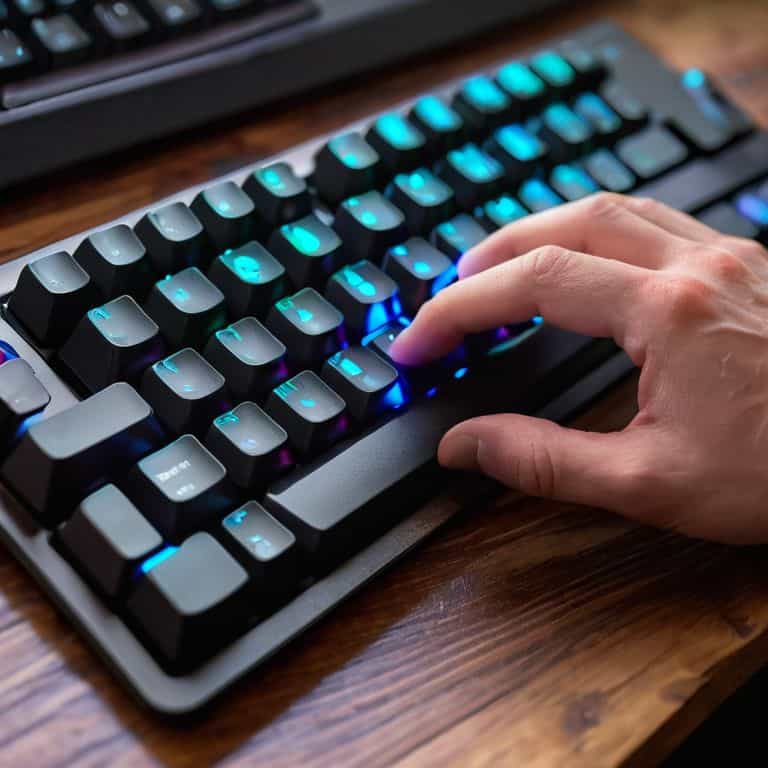
As I reflect on our journey through the realm of mechanical keyboards, it’s clear that the world of clickety-clack is more than just a novelty – it’s a community. From unraveling the mysteries of switch types and designs to exploring the ergonomic benefits and maintenance tips, we’ve delved into the intricacies of these marvelous devices. Whether you’re a gamer, a writer, or simply someone who appreciates the tactile joy of typing, there’s a mechanical keyboard out there waiting to become your trusted companion. By understanding the nuances of what makes a mechanical keyboard tick, we can appreciate the craftsmanship that goes into creating these instruments of communication.
As we conclude this guide, I invite you to join me in embracing the clickety-clack revolution – not just as a practical choice, but as a celebration of the beauty in functionality. Let us cherish the sound of keys clacking away, the feel of tactile feedback, and the knowledge that our words are being crafted with precision and care. For in the end, it’s not just about the keyboard – it’s about the stories we tell, the ideas we share, and the connections we make through the written word. So, go ahead, find your perfect mechanical keyboard, and let the symphony of keystrokes begin.
Frequently Asked Questions
What are the key differences between linear, tactile, and clicky switches in mechanical keyboards?
The switch conundrum – a debacle that has plagued typists for centuries. Linear switches offer smooth, quiet operation, while tactile switches provide a subtle bump for feedback. Clicky switches, on the other hand, are the audacious cousins, proclaiming each keystroke with a satisfying click. The choice, much like selecting a fine wine, depends on personal preference and typing style.
How do I determine the best switch type for my typing style and preferences?
To find your perfect switch match, consider your typing style: are you a light touch or a heavy hitter? Linear, tactile, or clicky switches cater to different preferences. Experiment with various types to discover the one that resonates with you, much like finding the ideal font for my vintage typewriter.
Are there any specific maintenance routines or tips for extending the lifespan of a mechanical keyboard?
To keep my mechanical keyboard in pristine condition, I swear by regular dusting with a soft brush and the occasional deep clean with compressed air. It’s also essential to desolder and re-tin the switches every few years to prevent corrosion. A little TLC goes a long way in extending the lifespan of these wonderful machines.