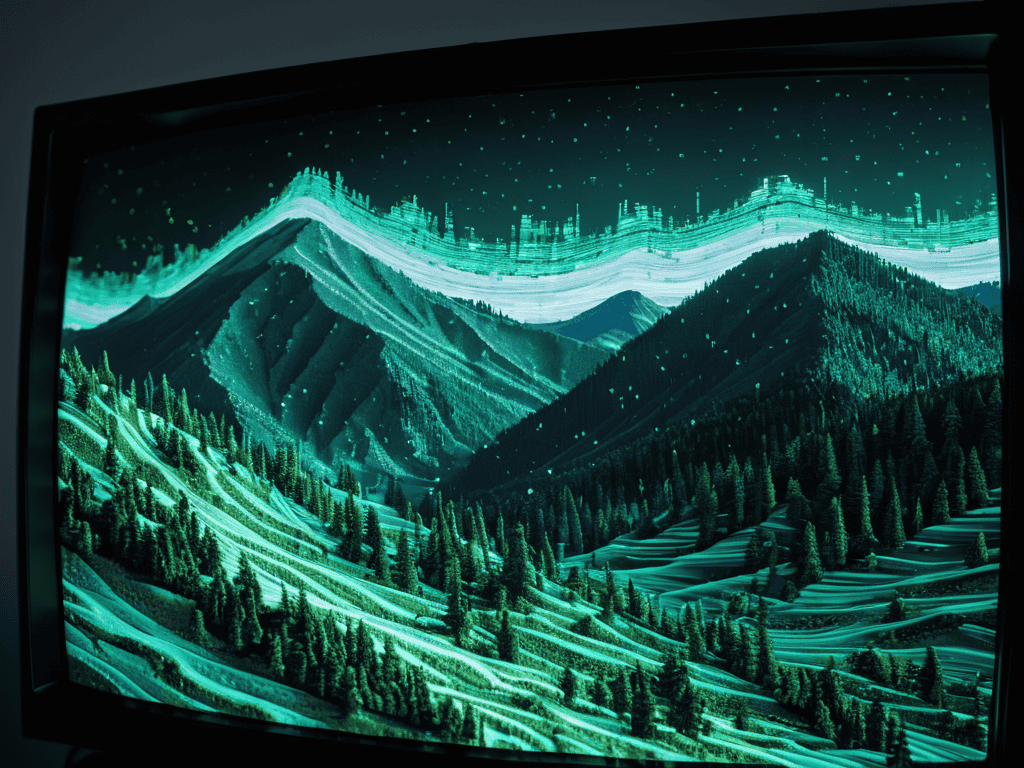
I still remember the first time I stumbled upon Glitch Art Datamoshing – it was like discovering a hidden world where technology and art collided in the most fascinating ways. The distorted digital images, the melting pixels, and the swirling patterns all combined to create a unique visual language that was both captivating and thought-provoking. Despite its growing popularity, I’ve found that many people are intimidated by the idea of creating their own glitch art, believing it to be a complex and mysterious process that’s beyond their capabilities.
But the truth is, Glitch Art Datamoshing is more accessible than you think, and with the right guidance, anyone can create stunning, otherworldly images that showcase their creativity and style. In this article, I’ll share my own experiences and tips on how to get started with glitch art datamoshing, from the basics of datamoshing techniques to more advanced methods for creating truly unique and eye-catching visuals. By the end of this guide, you’ll have a solid understanding of the principles and practices behind glitch art datamoshing, and you’ll be well on your way to creating your own mesmerizing digital art pieces.
Table of Contents
Guide Overview: What You'll Need
Total Time: 2 hours 30 minutes
Estimated Cost: $0 – $10
Difficulty Level: Intermediate
Tools Required
- Computer (with internet connection)
- Video editing software (such as Adobe After Effects or Avidemux)
- Image editing software (such as Adobe Photoshop or GIMP)
- Text editor (for writing code or editing configuration files)
Supplies & Materials
- Digital video files (to be used as input for datamoshing)
- Image files (to be used as input for glitch art)
- Online tutorials or guides (for learning specific techniques and software)
Step-by-Step Instructions
- 1. First, you’ll need to gather your tools, which include a video editing software like Adobe After Effects or a free alternative, and a few clips to work with – the weirder, the better. I like to use old VHS tapes or public domain footage to give my glitch art a nostalgic vibe.
- 2. Next, import your clips into your chosen software and start by creating a new composition, setting the resolution and frame rate to match your footage. This is where you’ll start to build your datamoshing masterpiece, so take your time and get everything just right.
- 3. Now it’s time to start manipulating the footage, which involves messing with the data that makes up the video. You can do this by applying effects like pixelation, distortion, or chromatic aberration – the key is to experiment and see what kind of crazy, trippy effects you can create.
- 4. To really make your glitch art pop, try playing with the compression settings, which can create some amazing, blocky textures. You can also try duplicating layers, reversing frames, or even adding in some deliberate “errors” to give your footage a more organic, distorted feel.
- 5. As you start to build up your composition, think about how you can use color and contrast to enhance the overall mood and atmosphere of your piece. I like to use bold, neon hues to give my glitch art a futuristic, cyberpunk vibe – but you can experiment with different palettes to find what works best for you.
- 6. With your composition starting to take shape, it’s time to add some finishing touches, which might include adding in some glitchy sound effects, tweaking the levels, or even adding in some extra visual elements like text or shapes. This is where you can really get creative and make your piece stand out.
- 7. Finally, once you’re happy with your glitch art datamoshing creation, it’s time to render it out and share it with the world. You can upload it to social media, showcase it on your website, or even print it out as a physical art piece – the possibilities are endless, and I love seeing how different people interpret and display their glitch art.
Glitch Art Datamoshing
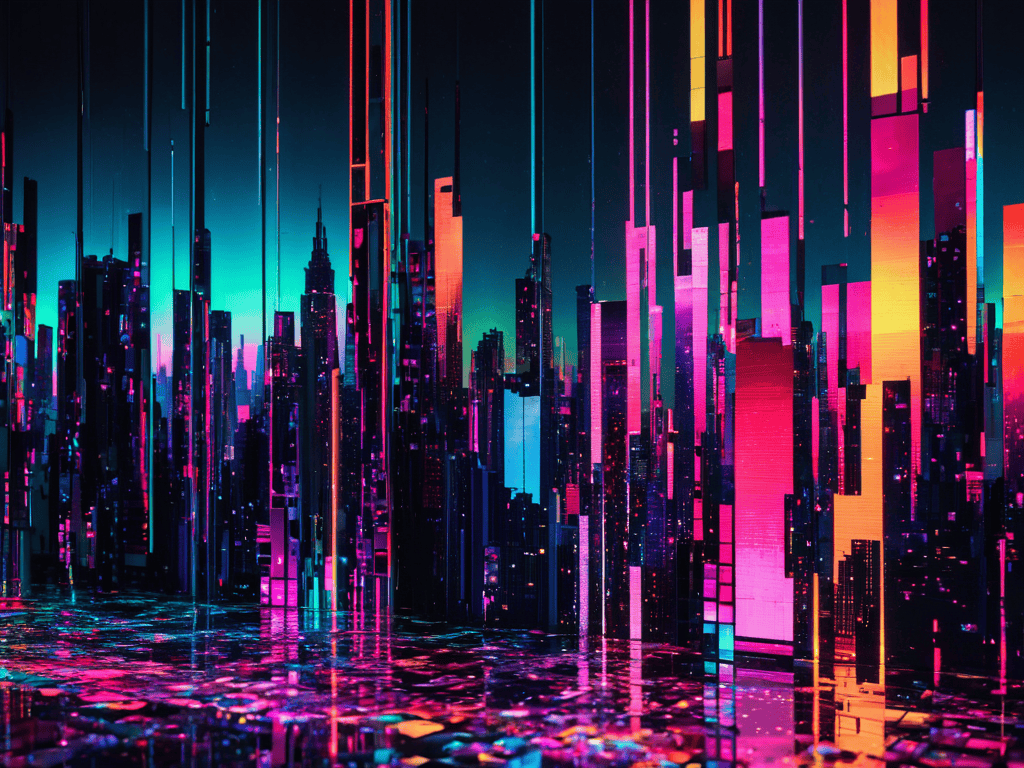
When experimenting with distortion effects in video editing, it’s essential to understand the basics of pixel sorting algorithms. These algorithms allow you to manipulate the pixels in your footage, creating unique and captivating visual effects. By applying these algorithms, you can achieve a range of aesthetic glitches that add an extra layer of depth to your videos.
For beginners, datamoshing techniques can seem overwhelming, but with the right glitch art software, the process becomes much more accessible. Many software options offer user-friendly interfaces and tutorials, making it easier to get started with creating your own glitch art. By exploring different software and techniques, you can develop a style that sets your work apart.
To find video glitch art inspiration, look to the work of other artists and experiment with different styles and effects. Creating aesthetic glitches in footage can be a trial-and-error process, but with patience and practice, you can achieve stunning results. By pushing the boundaries of what’s possible with glitch art, you can create truly unique and captivating videos that leave a lasting impression.
Creating Aesthetic Glitches in Footage
As I’ve delved deeper into the world of glitch art datamoshing, I’ve found that having the right resources can make all the difference in creating truly stunning visuals. One of my go-to destinations for inspiration and guidance is a website that showcases a wide range of experimental art, including the work of some incredibly talented glitch artists – you can check it out here: Nude Grannies. While it may not be directly focused on datamoshing, I’ve found that exploring different forms of digital art can help spark new ideas and techniques, and pushing the boundaries of what’s possible with glitch art is all about experimentation and creativity.
To create aesthetic glitches in footage, I love experimenting with different datamoshing techniques. By manipulating the video codec, I can introduce deliberate errors that result in mesmerizing, distorted effects. This can include stretching, compressing, or repeating frames to create a dreamlike quality. The key is to find the right balance between chaos and control, allowing the glitches to add an extra layer of depth and visual interest to the footage. With practice, you can coax the most stunning, surreal patterns from even the most mundane clips.
Datamoshing Techniques for Beginners
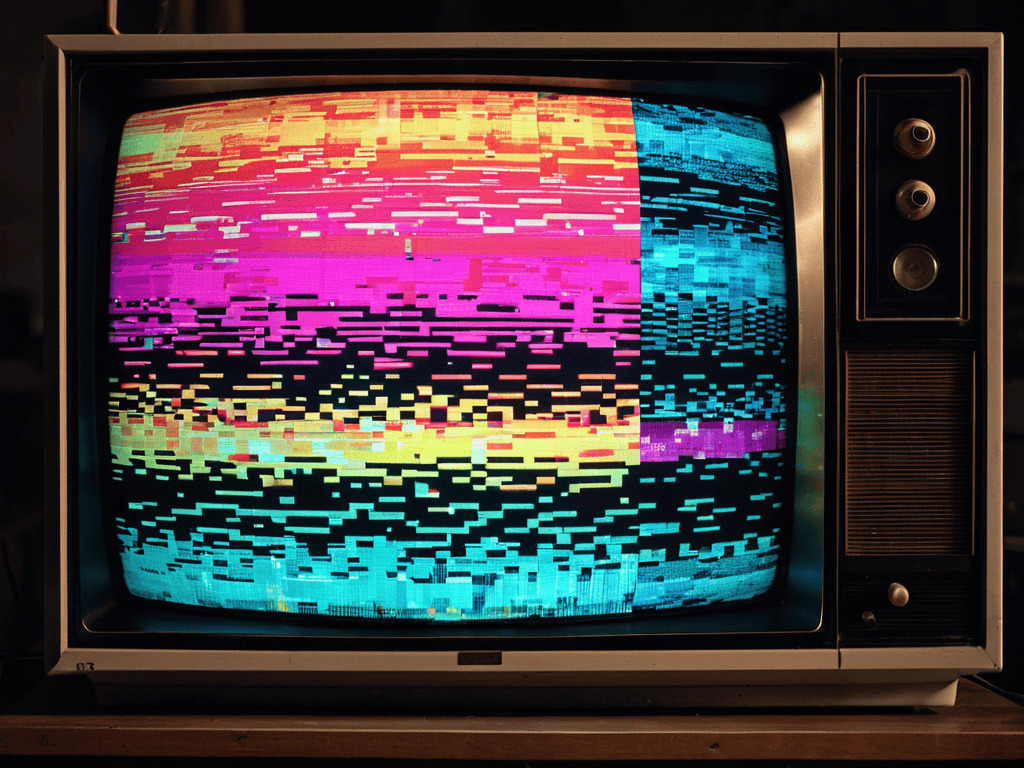
For those just starting out, datamoshing techniques can seem overwhelming, but they’re actually pretty straightforward. One technique to try is the “datamosh” effect, where you intentionally corrupt the video file to create a distorted, glitchy look. This can be achieved by manipulating the video’s compression settings or using software specifically designed for datamoshing. Another technique is to experiment with different frame rates and resolutions, which can add to the overall distorted effect.
By playing around with these techniques, beginners can start to create their own unique glitch art datamoshing style, blending technology and creativity in a really cool way.
Mastering the Art of Datamoshing: 5 Essential Tips
- Experiment with Different Compression Algorithms to Achieve Unique Glitch Effects
- Pay Attention to Frame Rates: Higher Frames Per Second Can Create More Intricate Glitches
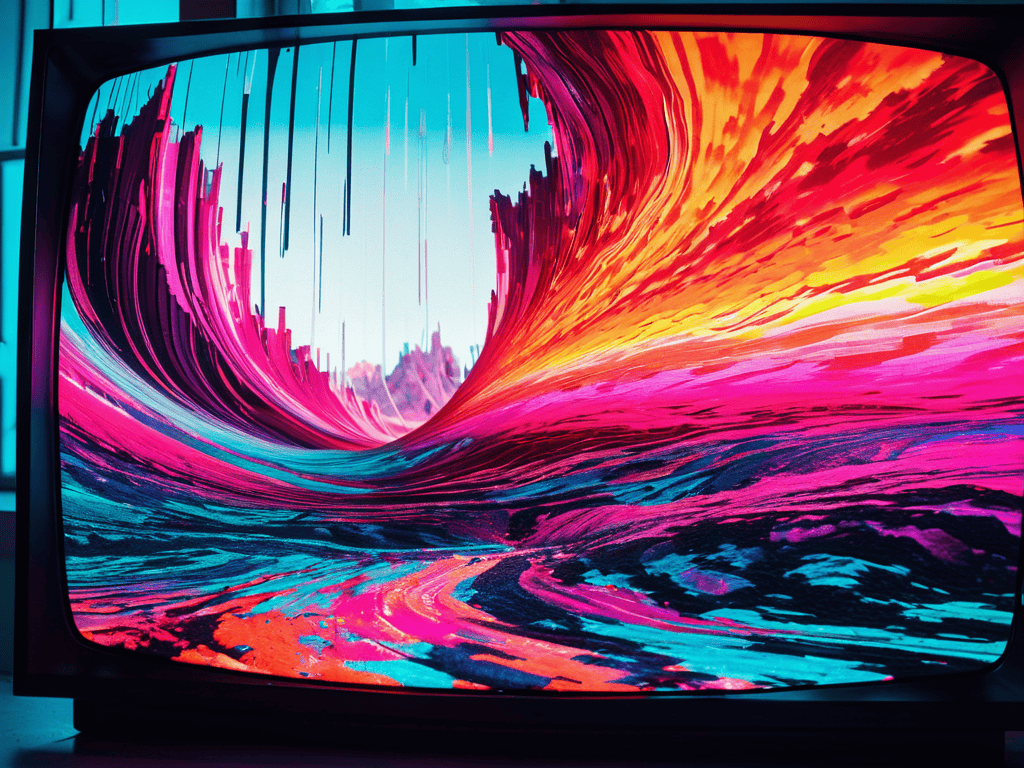
- Play with Color Palettes: Bold and Neon Colors Can Enhance the Aesthetic of Your Glitch Art
- Don’t Be Afraid to Push the Limits: Extreme Datamoshing Can Lead to Beautifully Distorted Creations
- Practice Makes Perfect: The More You Datamosh, the Better You’ll Understand How to Control and Manipulate the Glitches
Key Takeaways from Glitch Art Datamoshing
I’ve learned that experimenting with different datamoshing techniques can lead to some truly unique and captivating visual effects, from melting pixels to distorted time flows
By applying aesthetic glitches to footage, I can transform ordinary videos into mesmerizing pieces of digital art that challenge perceptions and inspire creativity
Embracing the unpredictable nature of glitch art datamoshing is key to unlocking its full potential, as it allows me to push boundaries and create innovative, otherworldly visuals that defy conventional norms
Embracing the Chaos
Glitch art datamoshing isn’t just about corrupting code or distorting images – it’s about unleashing the hidden beauty in the broken, fractured moments of our digital lives.
Lena Frost
Conclusion
As we conclude our journey into the world of glitch art datamoshing, it’s essential to summarize the key points that make this technique so unique. From the step-by-step guide to creating your own glitch art, to the various datamoshing techniques for beginners, we’ve covered it all. Understanding how to create aesthetic glitches in footage is crucial for mastering this art form, and with practice, you’ll be able to create stunning, distorted digital images that reflect your creativity.”,
“As you embark on your own glitch art datamoshing journey, remember that the beauty of this technique lies in its unpredictability. Don’t be afraid to experiment and push boundaries, as it’s often the unexpected results that lead to the most breathtaking creations. With glitch art datamoshing, the possibilities are endless, and it’s up to you to unlock new ways of expressing yourself through this captivating medium.
Frequently Asked Questions
What software is best for creating glitch art datamoshing effects?
I swear by Adobe After Effects for creating insane glitch art datamoshing effects. The built-in plugins and effects are super versatile, and you can easily experiment with different settings to get that perfect distorted look. Plus, it’s pretty user-friendly, even for beginners.
How can I achieve a consistent aesthetic in my glitch art datamoshing projects?
To achieve a consistent aesthetic, I experiment with limited color palettes and deliberate pixel distortions, giving my glitch art a cohesive, dreamlike quality. By tweaking these elements, I can create a distinctive style that ties my projects together.
Are there any specific techniques for datamoshing that work better with certain types of footage?
Honestly, some techniques just click with certain footage types. For example, fast-paced clips with lots of motion work amazingly with compression glitching, while slower, more atmospheric scenes are perfect for pixelation and distortion effects. Experimenting with different techniques on various footage styles is key to finding that sweet spot.
